


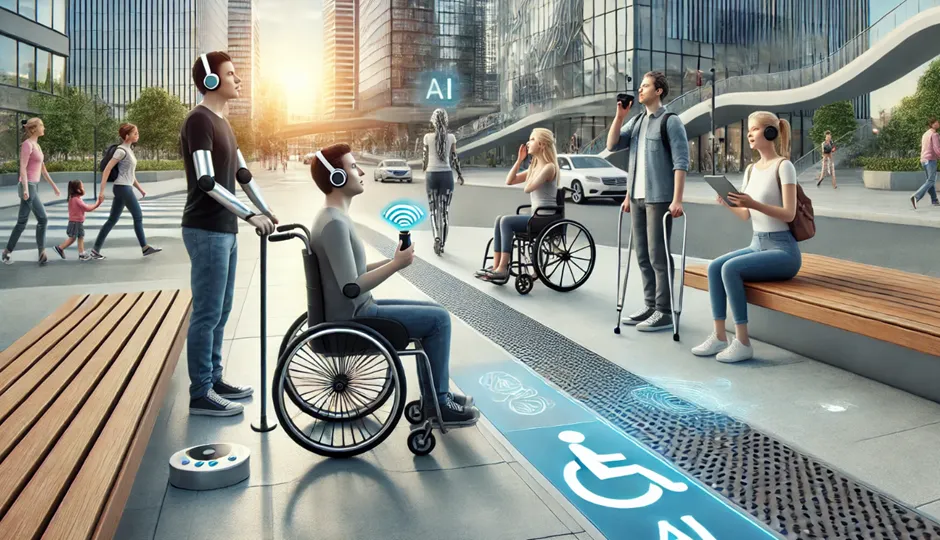
Digital services are now part of education, work, healthcare, banking, travel, entertainment, and everyday communication. Yet a website, app, video, or document is not equally easy for everyone to use. Artificial intelligence is opening new ways to reduce some of those barriers. AI accessibility can support people through speech recognition, captions, image descriptions, translation, text assistance, and adaptive interfaces. The technology is promising, but accessibility only improves when tools are designed carefully and tested with the people who use them.
What Does AI Accessibility Mean?
AI accessibility means using artificial intelligence to help people interact with digital information and services despite barriers related to vision, hearing, mobility, language, literacy, or communication. Some features are built into mainstream products, while others are specialized assistive technologies.
AI does not replace established accessibility practices. Instead, it can add capabilities that make digital content easier to understand, navigate, or create.
AI-Powered Captions and Speech Tools
Automatic speech recognition can convert spoken language into text. Captions can help people who are deaf or hard of hearing follow meetings, videos, classes, and live events. Speech-to-text can also help people who find typing difficult.
Quality matters. Accents, background noise, technical vocabulary, and multiple speakers can reduce transcription accuracy. Important information should be checked rather than assuming that an automated transcript is perfect.
Image Descriptions and Visual Assistance
Computer vision systems can describe elements in an image and help users understand visual content. For someone who cannot easily see a photograph, a generated description may provide useful context.
However, an image description can miss details or misinterpret what is happening. Designers should treat AI descriptions as assistance, not as a guaranteed substitute for meaningful human-provided text. For important information, accurate alternative text and accessible document structure remain essential.
Translation and Multilingual Access
Language can be a major barrier to digital participation. AI translation can help users understand websites, messages, learning materials, and everyday information across languages. This can be particularly valuable in multilingual communities and regions where people regularly move between languages.
Machine translation is not equally reliable for every language, dialect, or specialized subject. Legal, medical, safety-critical, and official information may require qualified human review.
AI Can Help With Reading and Writing
Some people benefit from tools that simplify complex language, summarize long passages, correct grammar, or help organize ideas. AI can make a dense document easier to approach by offering a shorter explanation or a different presentation.
Accessibility does not mean making everything simpler. Users should be able to choose the level of detail that works for them. A good tool gives people control rather than assuming what they can or cannot understand.
Benefits for Education and Employment
Accessible AI features can help students participate in learning and employees contribute to digital workplaces. Captions can make online meetings easier to follow. Speech tools can support written communication. Text assistance can help a learner understand unfamiliar terminology.
The benefit is greatest when accessibility is built into the normal workflow instead of being treated as an unusual exception. Schools and employers can evaluate AI tools alongside other accessibility requirements.
Accessibility Challenges AI Cannot Automatically Solve
Bias and uneven performance
AI systems can perform differently across languages, accents, voices, images, and user groups. A feature that works well for one population may be less reliable for another.
Privacy
Assistive tools may process voices, images, documents, or personal information. Users should understand what data is collected and how it is handled.
Cost and availability
Advanced accessibility features may not be available on every device or service. The digital divide can therefore remain even when the technology itself is capable.
Loss of human support
AI should expand options, not become an excuse to remove human assistance. Some people need personal support, specialized services, or accommodations that software cannot provide.
Regional Perspectives on Inclusive AI
Accessibility needs are shaped by language, infrastructure, education, and local digital services. People in the United States, UK, Canada, and Australia may encounter mature accessibility standards and a wide range of digital products, while users in Pakistan, India, other parts of Asia, Europe, and the Americas may face different combinations of language diversity, device access, bandwidth, and affordability.
Multilingual AI can be especially valuable where several languages are used in daily life. At the same time, developers should test local language performance instead of assuming that a system trained primarily on major languages will work equally well everywhere.
How Organizations Can Improve AI Accessibility
- Involve people with disabilities in product testing.
- Keep keyboard navigation, captions, alternative text, and clear structure in place.
- Test AI features across languages, accents, and different user needs.
- Provide a human support path when automation fails.
- Explain limitations and give users meaningful controls.
- Review privacy and security before processing sensitive information.
What Individuals Can Do
Users can explore accessibility settings already available on their devices and applications. They can also report inaccurate captions, descriptions, or translations so problems are visible to service providers.
When an AI feature is unreliable, people should have an alternative method of accessing the same information. Accessibility should never depend entirely on a single automated system.
The Future of AI Accessibility
AI may eventually make digital interfaces more adaptive to individual communication preferences. A person could potentially interact through speech, text, simplified language, visual descriptions, or a combination of modes without having to configure every detail manually.
That future will be most useful if accessibility remains a design principle rather than a marketing label. Better models alone are not enough. Inclusive testing, privacy, affordability, human support, and user control all matter.
Conclusion
AI accessibility can make digital information and communication more inclusive through captions, speech recognition, image assistance, translation, and personalized text support. Its benefits are real, but so are the limitations. The best approach is to combine AI with established accessibility practices, human oversight, privacy protections, and feedback from people with diverse needs. Used responsibly, intelligent tools can remove barriers without creating new ones.